EASY TO CUSTOMIZE
Open the template link in Canva. A
free Canva account is required – no Canva Pro subscription is needed.
You can easily:
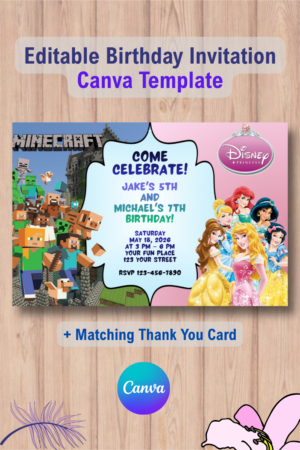
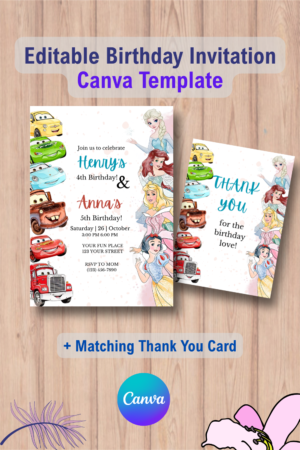
- Add your child’s name and age
- Add the date, time, and party location
- Edit the wording and other text
- Change fonts, colors, and text sizes
- Move and resize editable text elements
Important: The graphics, illustrations, and background design are fixed and cannot be edited.
FORMAT & USE
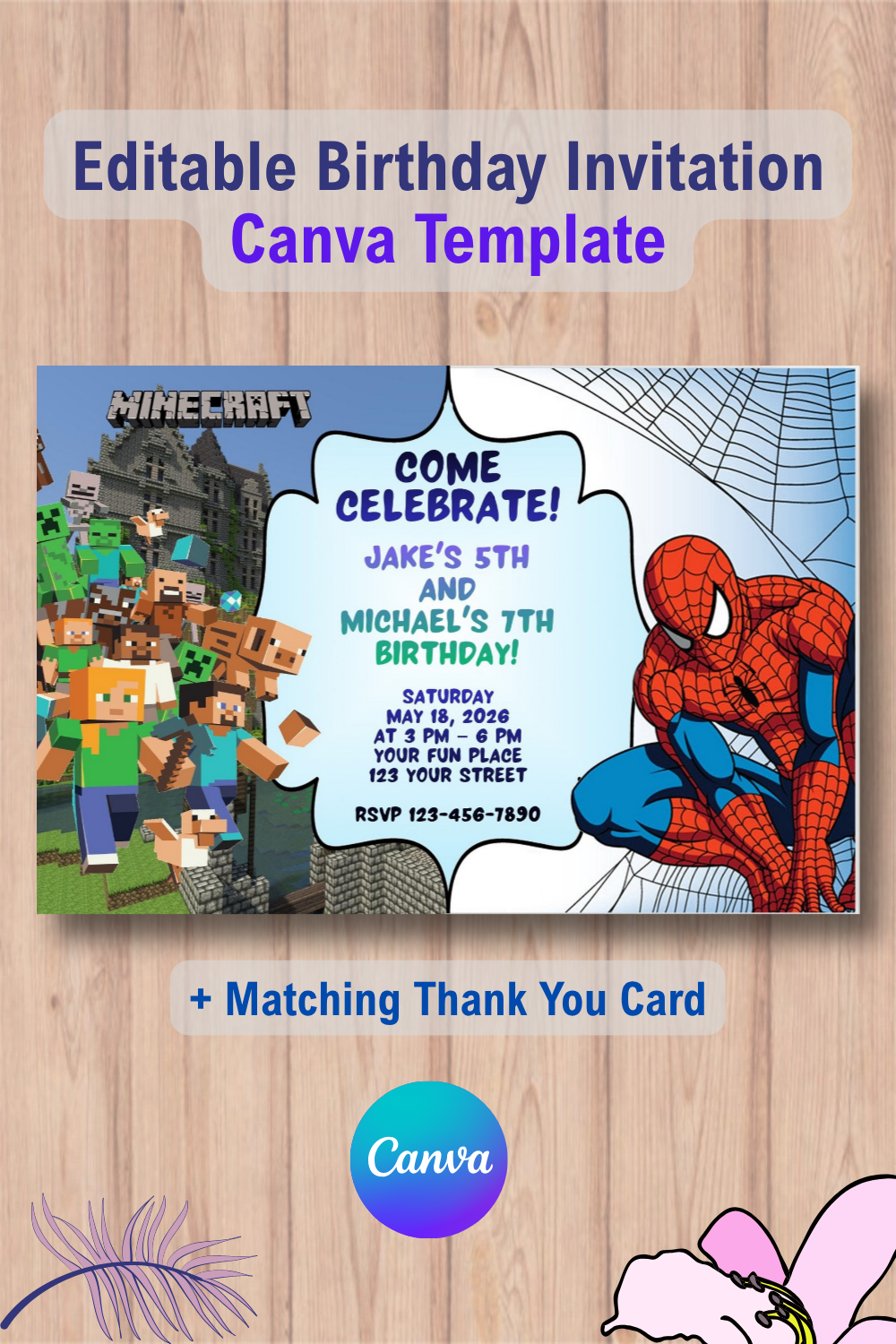
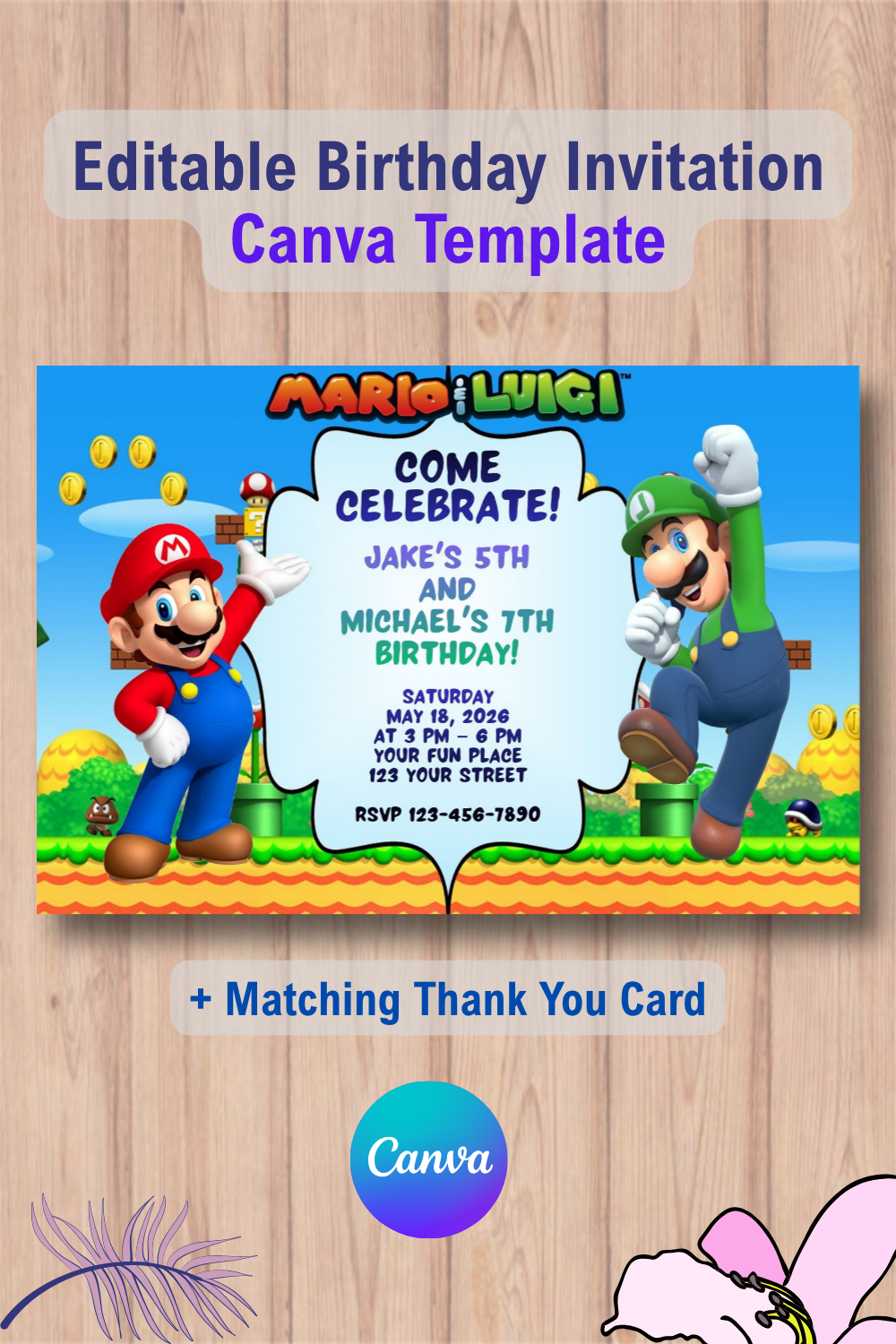
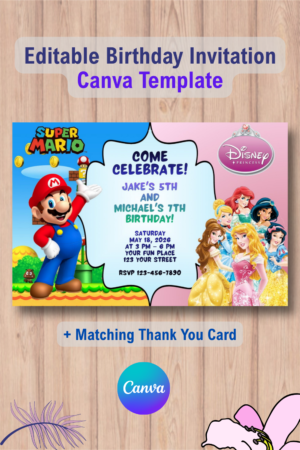
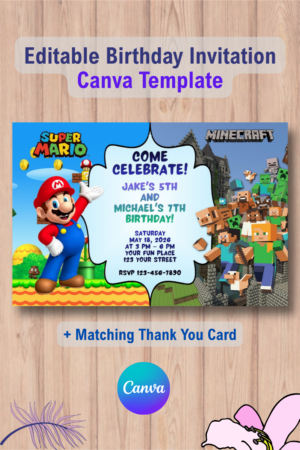
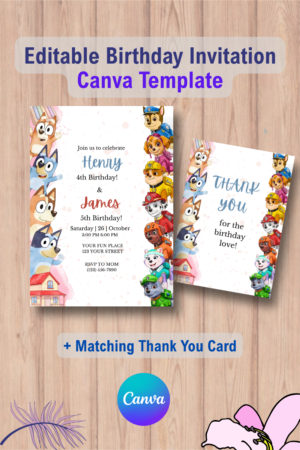
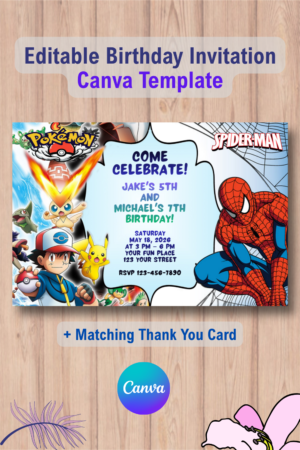
- 4 × 6 inch invitation size – perfect for printing at home or at a local print shop
- High-resolution design – suitable for quality printing
- Download your personalized invitation as a PDF or JPG
- Use it as a printed invitation or share it digitally
Digital invitations can be shared via text message, email, or social media.
HOW IT WORKS
1. Purchase your invitation.
2. Download the PDF file instantly.
3. Click the link inside the PDF to open your template in Canva.
4. Personalize your invitation with your party details.
5. Download your finished invitation as a PDF or JPG.
6. Print it or share it digitally with your guests.
IMPORTANT NOTES
- This is a DIY editable Canva template, not a finished printed invitation.
- No physical item will be shipped.
- A free Canva account is required to edit the template.
- The graphics, illustrations, and background design are fixed and cannot be changed.
- This template is for personal use only.
- Designs may not be resold, redistributed, shared, or used to create new digital products for resale.
- Colors may vary slightly depending on your screen and printer settings.
- Due to the digital nature of this product, no refunds, exchanges, or cancellations are available after purchase.
READY TO CREATE?
Personalize your invitation in minutes and make your little one’s birthday celebration extra special!



Reviews
There are no reviews yet.